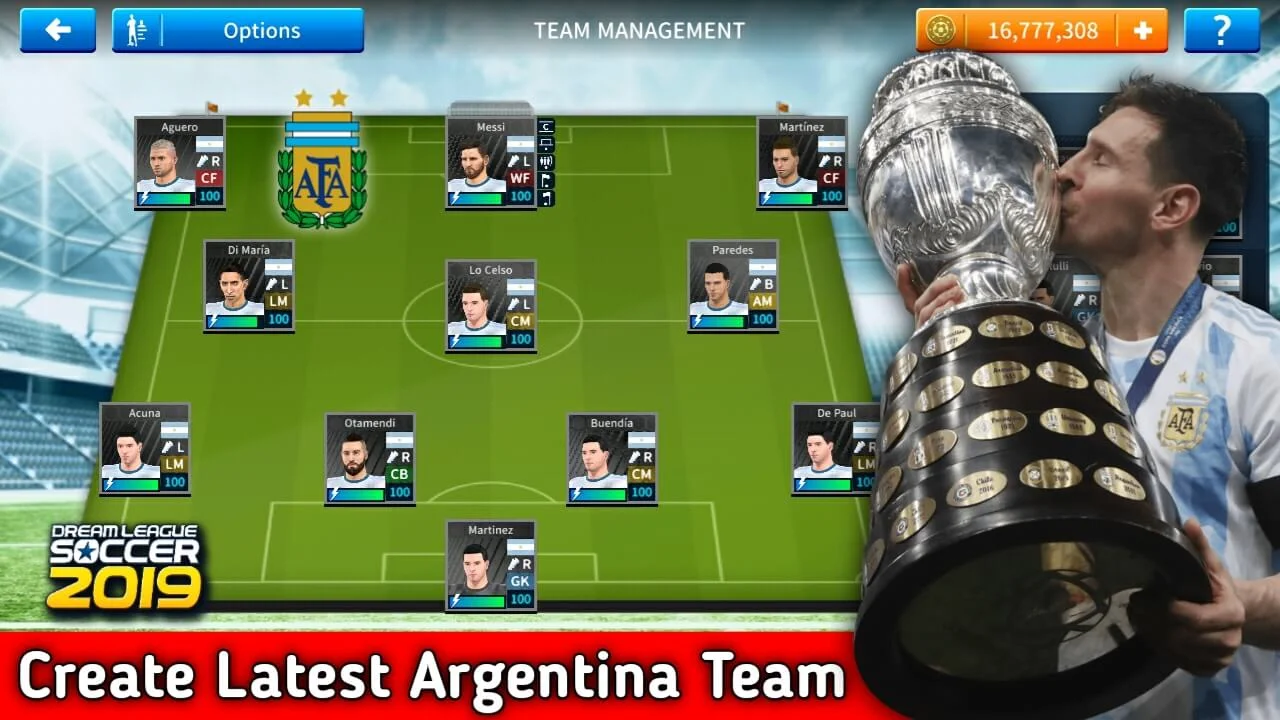
Hello friends, hope you’re doing well, Everyone knows that Argentina defeated Brazil in Copa America Final this year, so many of Dream League Soccer 2021 & Dream League Soccer 2019 players want to create an Argentina team in Dream League soccer 2021 & Dream League Soccer2019.
In This Article, I’ll show you how you can Create an Argentina team in Dream League Soccer 2021 & Dream League Soccer 2019 Easily. Not only players, but You will also get the latest logo & kits of the Argentina team, 100% max power of all players, 16000000+ coins & Many More.
Argentina Players List:-
| Player Name | Position |
|---|---|
| Franco Armani | Goalkeeper |
| Emiliano Martinez | Goalkeeper |
| Juan Musso | Goalkeeper |
| Agustin Marchesin | Goalkeeper |
| Gonzalo Montiel | Defender |
| Nicolas Otamendi | Defender |
| German Pezzella | Defender |
| Nicolas Tagliafico | Defender |
| Lucas Martinez Quarta | Defender |
| Marcos Acuna | Defender |
| Lisandro Martinez | Defender |
| Nahuel Molina Lucero | Defender |
| Cristian Romero | Defender |
| Leandro Paredes | Midfielder |
| Giovani Lo Celso | Midfielder |
| Exequiel Palacios | Midfielder |
| Nicolas Gonzalez | Midfielder |
| Guido Rodriguez | Midfielder |
| Rodrigo De Paul | Midfielder |
| Alejandro Gomez | Midfielder |
| Angel Correa | Midfielder |
| Nicolas Dominguez | Midfielder |
| Lionel Messi | Forward |
| Lautaro Martinez | Forward |
| Angel Di Maria | Forward |
| Joaquin Correa | Forward |
| Sergio Aguero | Forward |
| Julian Alvarez | Forward |
Ok, let’s Start The tutorial of Getting Argentina Team In DLS 21 & DLS 19:-
First Of All Download Argentina Team Profile.dat / Team data file From Bellow Link:-
For Dream League Soccer 2019:-
For Dream League Soccer 2021:-
Now Follow The Steps:-
- Download Argentina Team Data zip File From Link Above
- Download ZArchiver App
- Open ZArchiver App & Go to download folder & Find The Zip file that you downloaded
- Hold on that file & click Extract & Place into (android>data>com.firsttouchgames.dls3) [For dls 19] folder & Click extract icon shown right down to the screen of your device. [For Dls 21 Change folder to (com.firsttouchgames.dls7) folder & extract.
- It will Ask Password, Password is:- Subscribe
- Now Exit everything & reopen your DLS 21 & DLS 19 game & Enjoy.
If there are any problems Let me know by doing comments below, I’ll help you all. Love you All.
DLS21